Manage Feeds
1 min read - Updated on Oct 09, 2025Managing feeds in Kimola allows you to rename, delete, or reset them so your data collection stays accurate and relevant. A feed is a customizable data stream that collects online content about your brand, products, competitors, or industry. This guide explains how to use Feed Settings to make these adjustments.
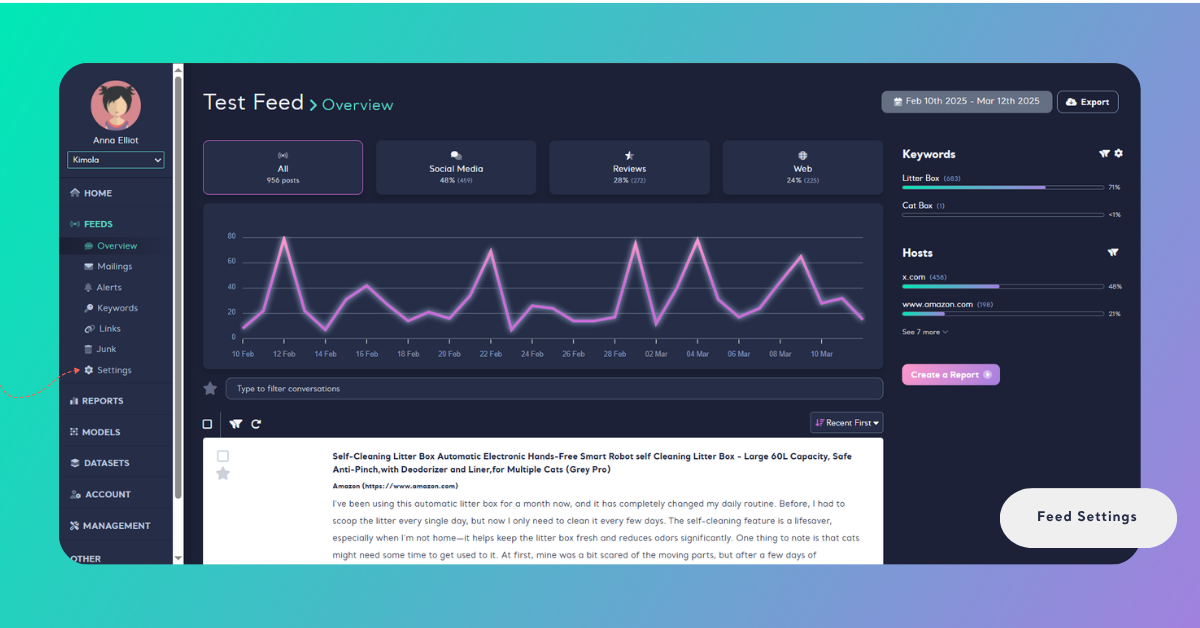
Sign in to your account, open the Feeds menu on the left, select the feed you want to edit, then click "Settings".
Rename a Feed
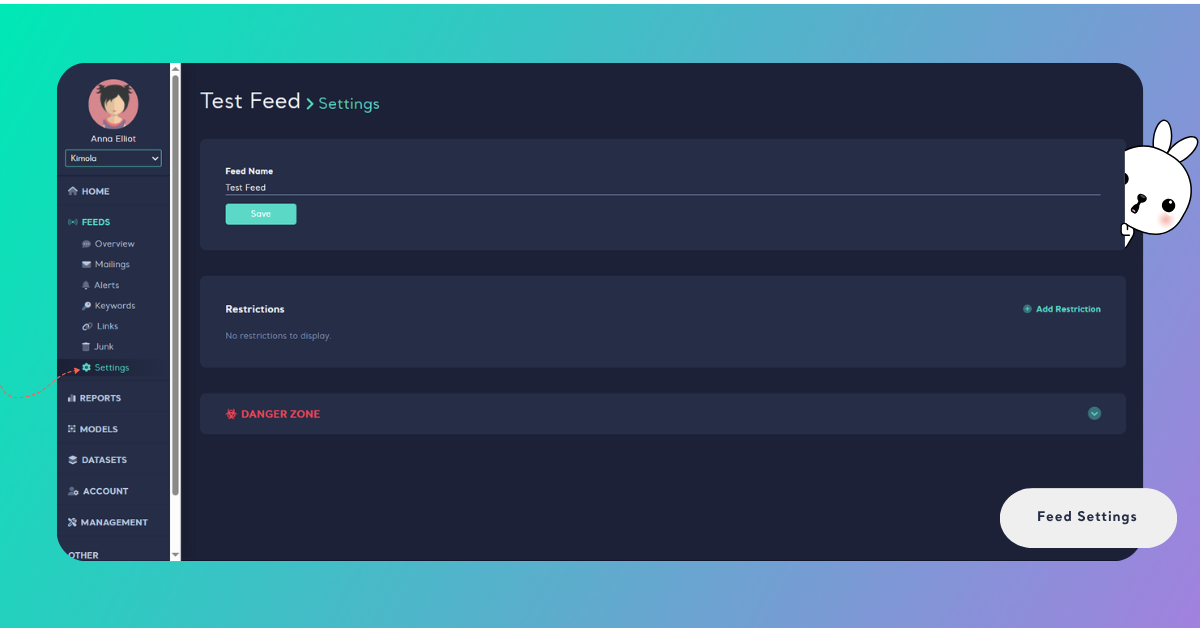
In the “Name” field, enter a new descriptive name that reflects your feed’s purpose or content, then click "Save" to apply the change.
Set Restriction
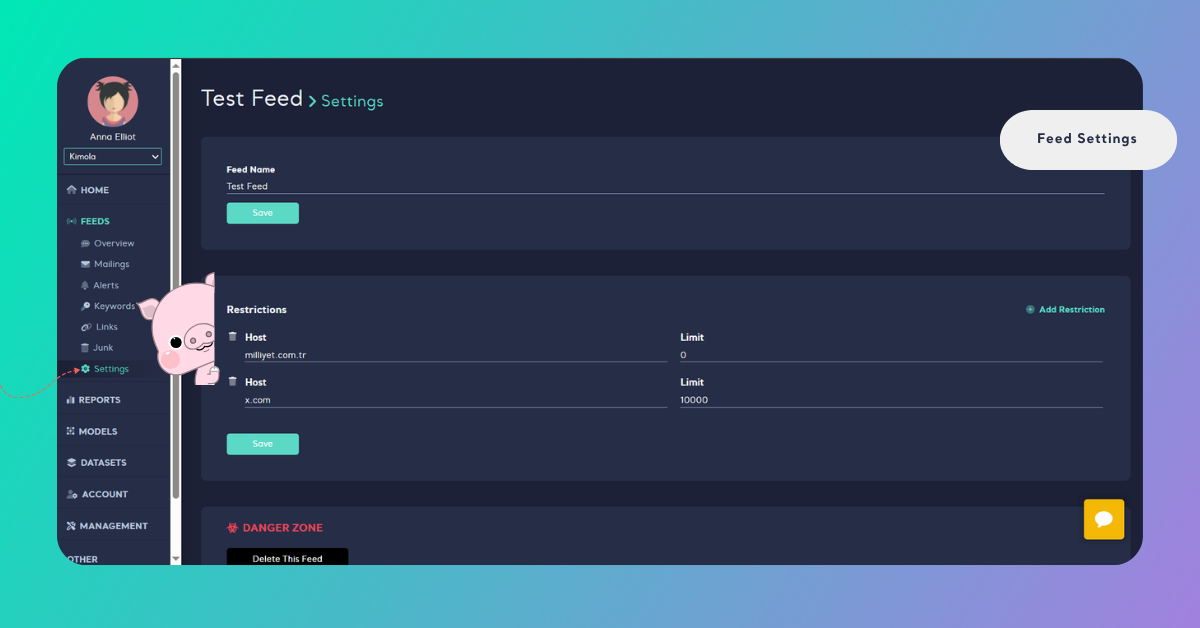
Limit or block data collection from certain domains in Feed Settings. For details, see Manage Restrictions.
Delete a Feed
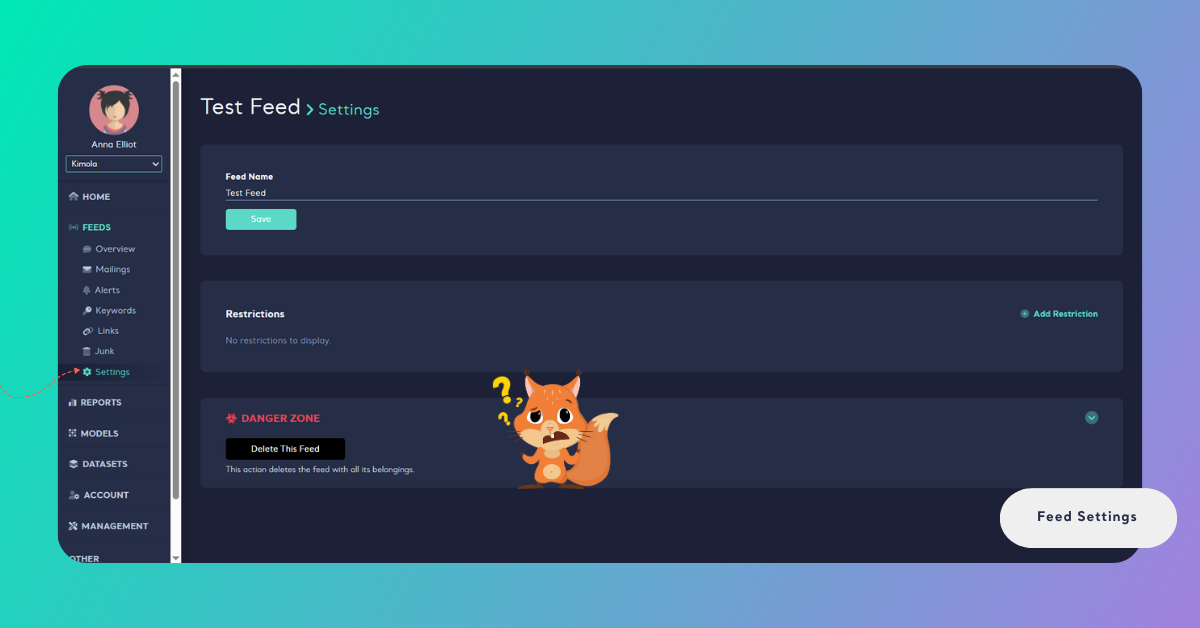
Use the option provided to completely delete a feed based on your needs. At the bottom of the settings page, open the "Danger Zone" section and click "Delete This Feed". This permanently removes the feed and its contents.
Managing feeds ensures your data collection stays aligned with your goals. Use Feed Settings to keep your feeds clean, relevant, and easy to update.