Filter Records in Feeds
2 mins read - Updated on Oct 09, 2025Kimola’s filtering options help you cut through large amounts of data and focus on what really matters. In Kimola, a Feed is a customizable data stream that gathers online content related to your brand, products, competitors, or industry. Each piece of collected content — such as a tweet, product review, or news article — is stored as a Record. By filtering these records by date, channel, keywords, or sources, you can quickly transform raw data into clear and actionable insights.
To start, sign in to Kimola, click the Feeds menu on the left, then select a feed to view its Overview page with filtering options.
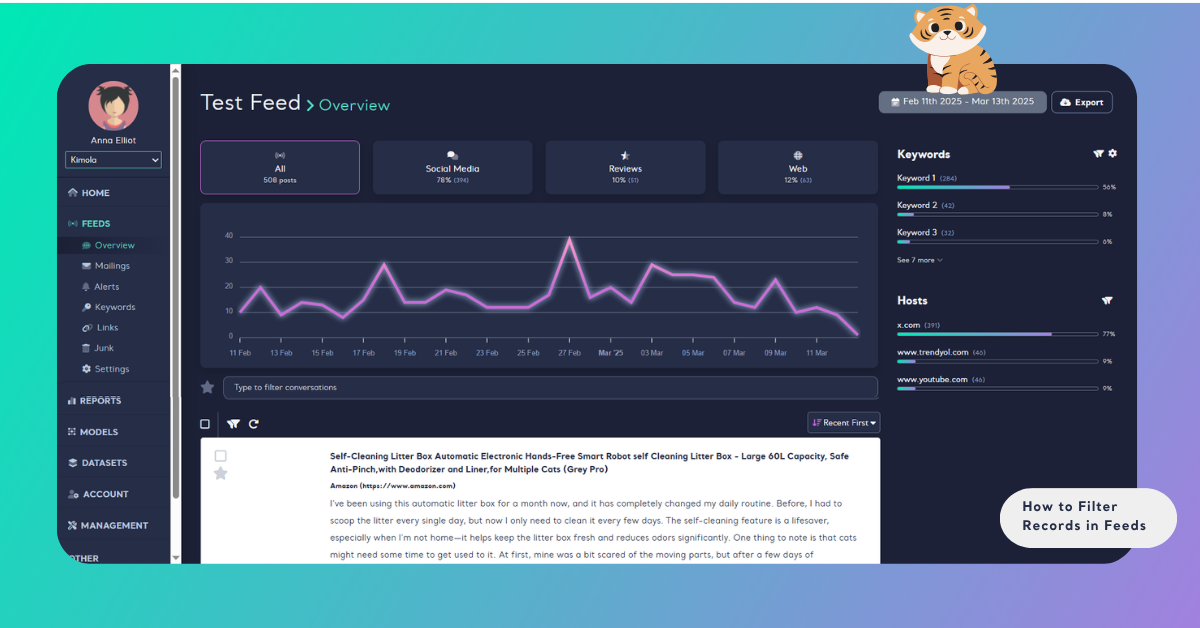
Filter by Date
In the top right corner, select a period such as "Last 7 days", "Last 30 days", or set a "Custom range". Click Apply to confirm.
Filter by Channels
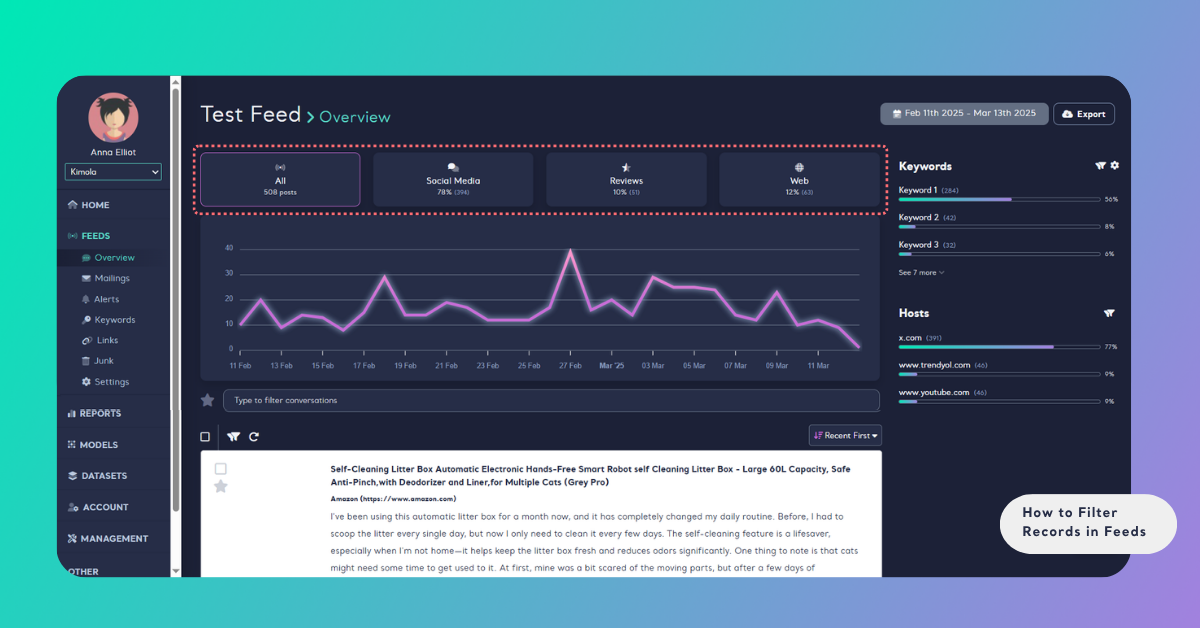
At the top of the Overview, you can filter records by four channels:
- All – combines data from every source.
- Social Media – posts from platforms like Twitter.
- Reviews – product reviews from e-commerce sites such as Trendyol, Hepsiburada, and Amazon.
- Web – news sites, forums, and YouTube content.
Filter by Starred Records
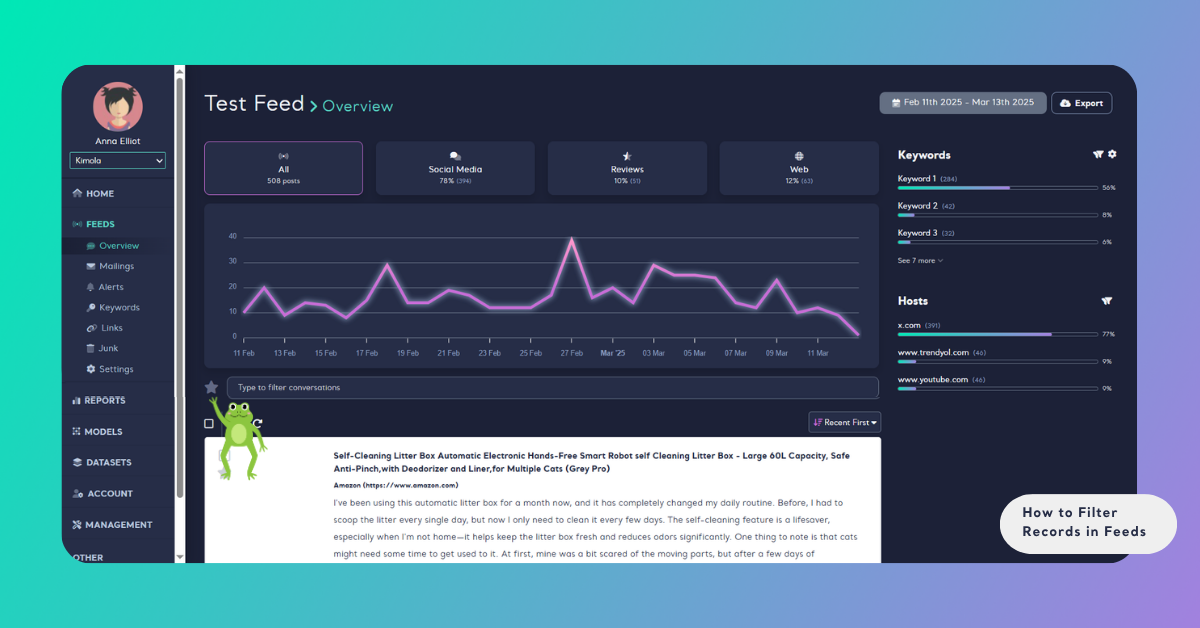
Easily revisit key records by starring them during your review. Access these quickly via the star icon next to the search bar.
Filter by Searched Keywords
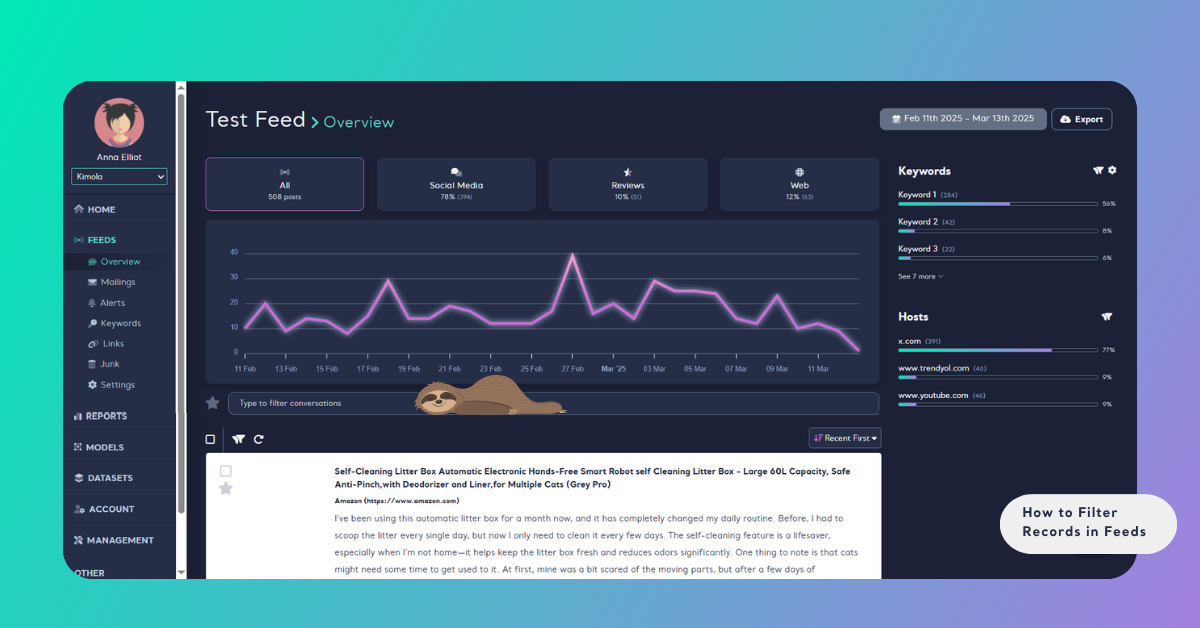
Use the search bar below the trend chart to filter by words or phrases.
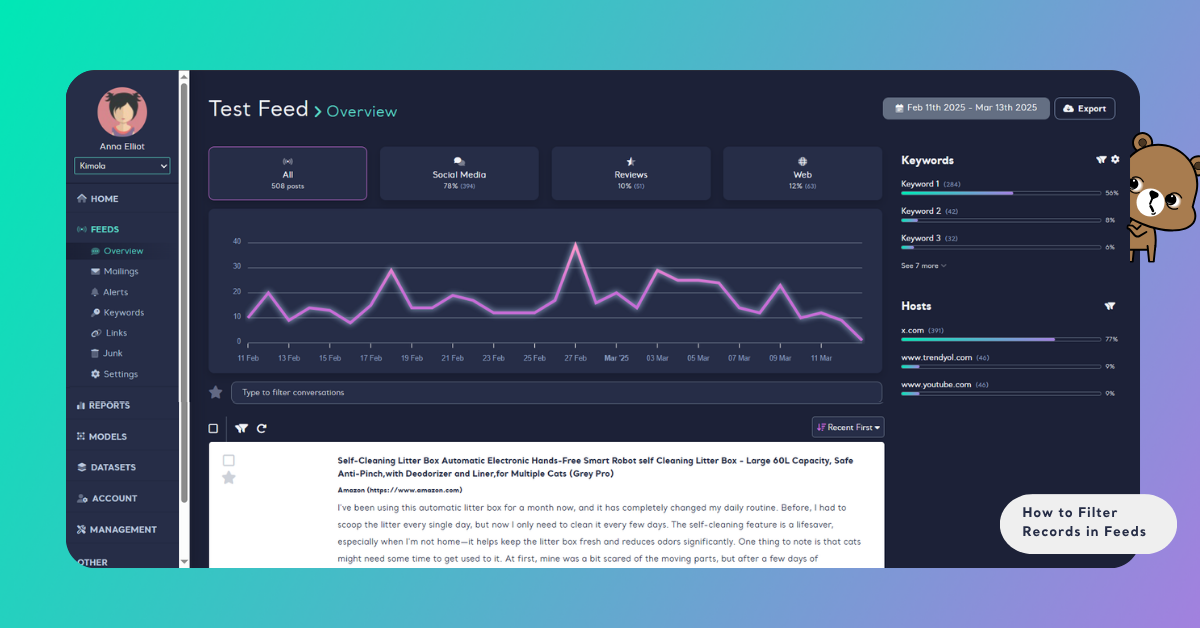
Filter by Keywords
Use the funnel icon in the Keywords field on the right panel.
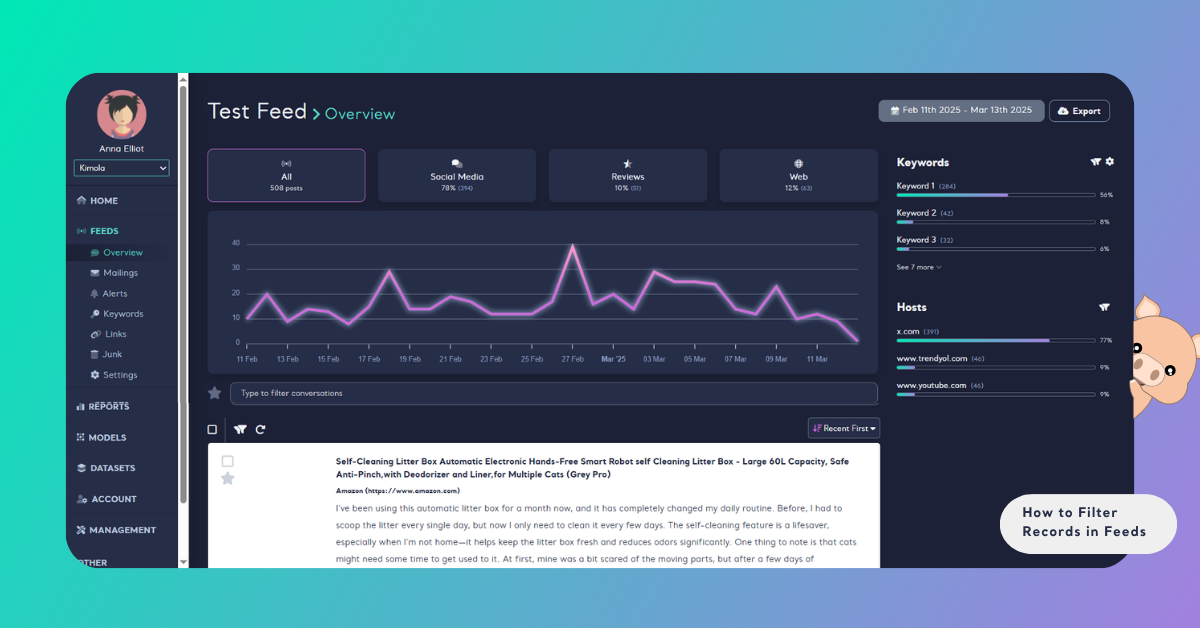
Filter by Hosts
Use the funnel icon in the Hosts field to filter by domains.
Sort Records in Feeds
When browsing feeds, it's useful to organize content based on your preferences. Here are three common sorting methods:
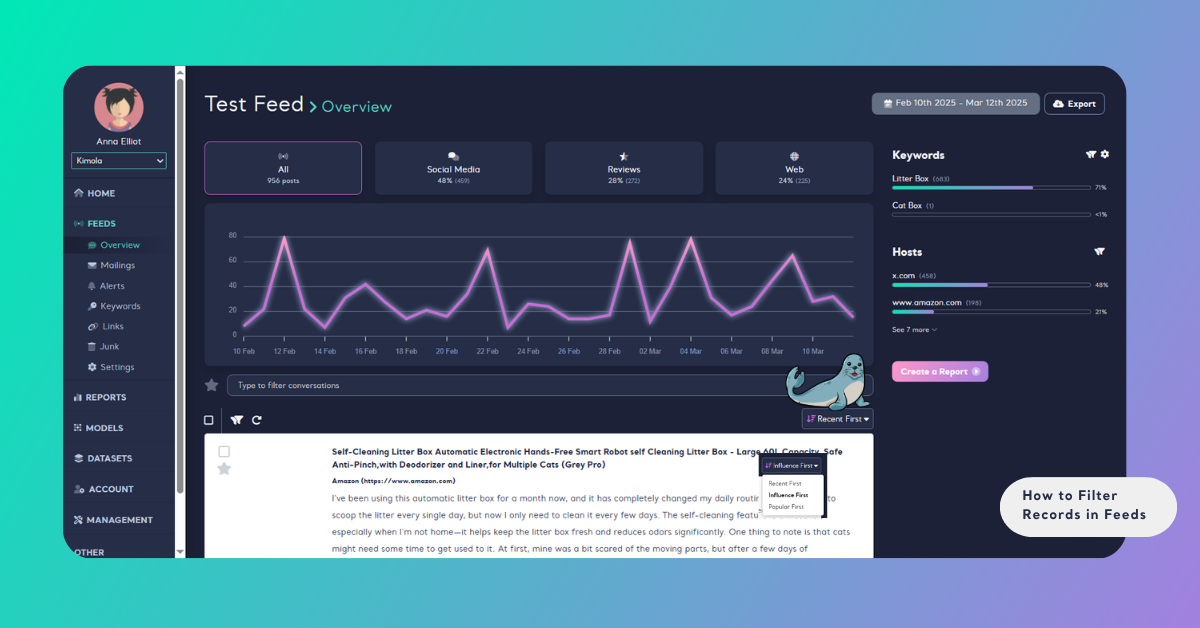
- Recent First: Prioritizes the most recently posted content.
- Influence First: Prioritizes content from accounts with large follower counts.
- Popular First: Highlights tweets with the highest engagement.
Filtering and sorting help you focus on the most relevant data, making your analysis faster and more precise.