List Feeds
1 min read - Updated on Oct 09, 2025Kimola allows you to create multiple feeds for different needs, such as monitoring brands, competitors, or industries. This article explains how to access and manage the list of feeds you’ve created.
Getting Ready
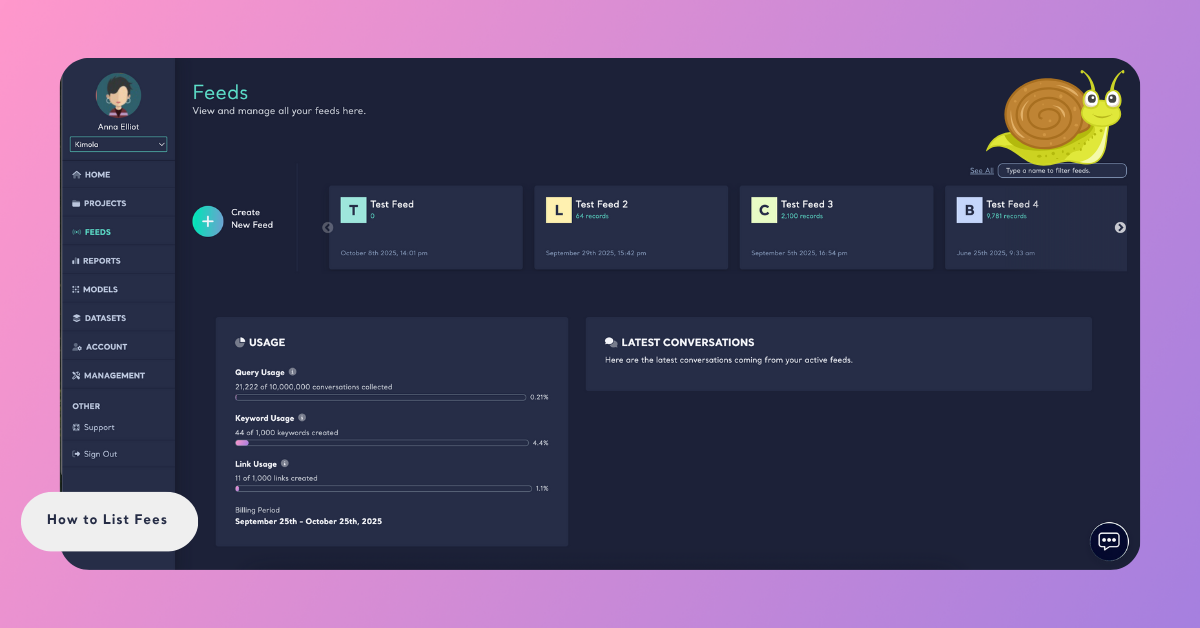
Sign in to your account and open the Feeds menu on the left side of the dashboard to go to the Feeds page.
View Created Feeds
On the Feeds page, you’ll see a list of feeds you’ve created. Use the "See all" button if needed.
Search Feeds
Use the search bar at the top to quickly find a feed by name.
Keeping feeds organized helps you monitor different data segments efficiently. Use the Feeds list to quickly access and manage them.