Manage Custom Models
2 mins read - Created on Feb 27, 2025A Custom Model in Kimola is an AI model you create and train with your own labeled data to automatically classify new text according to your categories.
Once you’ve created your Custom AI Models in Kimola, you can easily manage them from your dashboard. Managing your models effectively helps you keep your workspace organized, make updates when needed, and remove unused models to maintain efficiency.
To manage your custom models, sign in to your Kimola account and open your dashboard. From the left panel, click Models, then choose the Custom tab to view all your Custom AI Models. Select the model you want to manage and go to its Model Settings page.
Rename a Custom AI Model
You can rename a model anytime to make its purpose clearer or align it with your latest analysis project. Simply update the Model Name field and click Save to apply your changes.
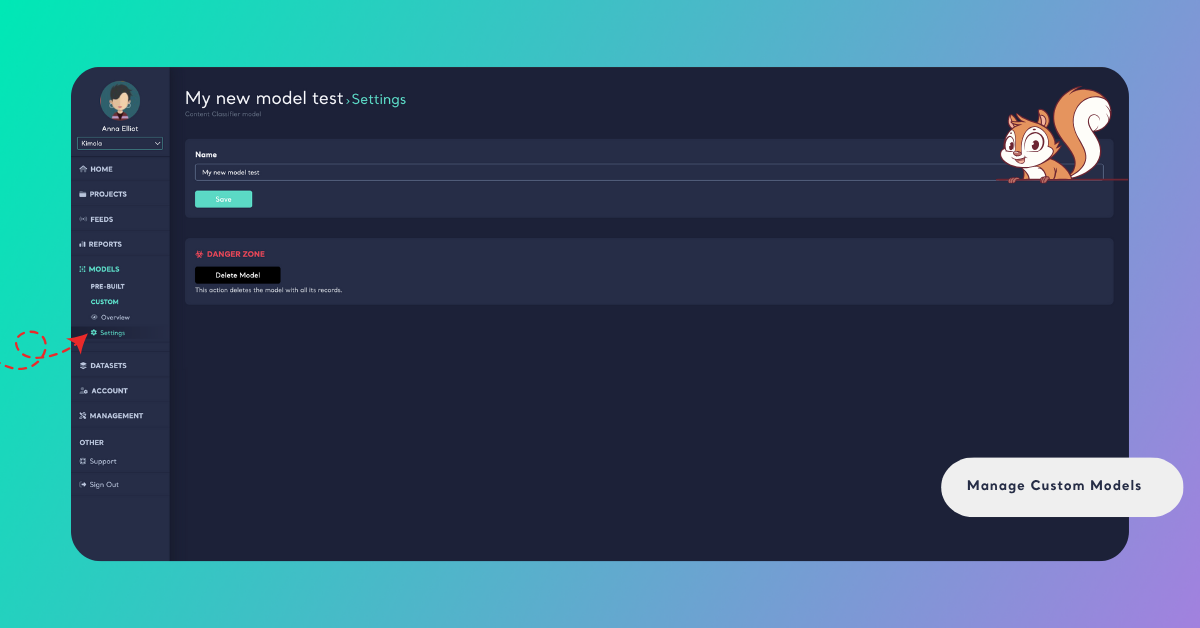
Renaming does not affect your model’s performance or results — it only changes how it appears in your dashboard and reports.
Delete a Custom AI Model
If you no longer need a model, you can permanently remove it from your workspace. Scroll down to the Danger Zone section and click Delete Model, then confirm your decision when prompted.
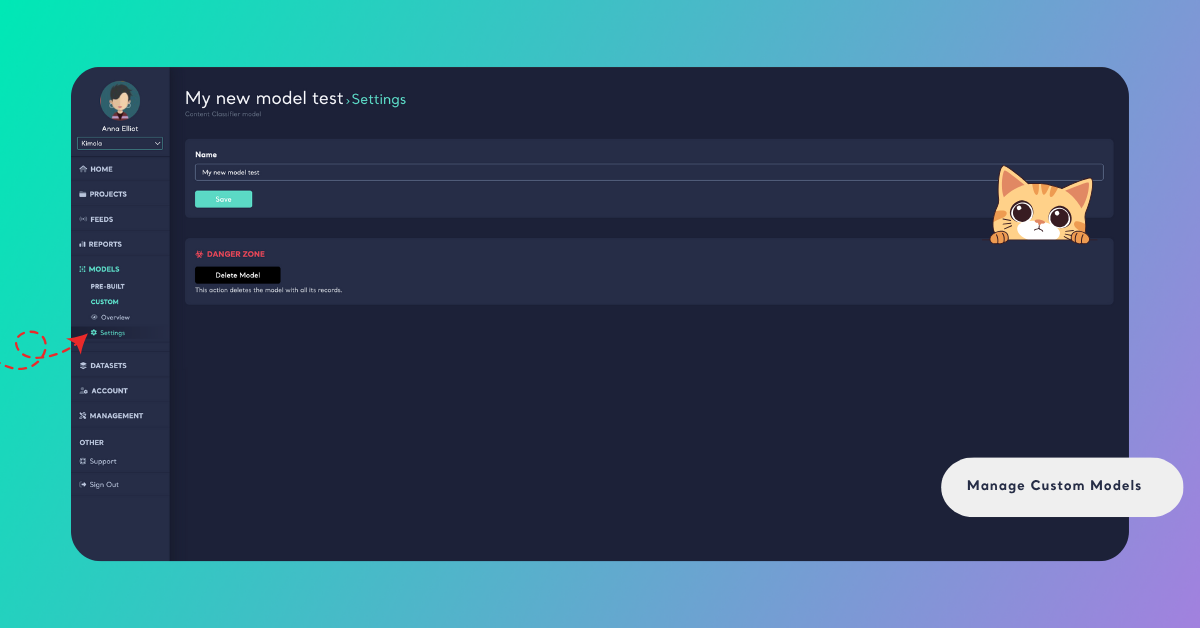
Deleting a model is irreversible. Once confirmed, the model will be permanently erased with no option for recovery, so please ensure you have selected the correct model for deletion before proceeding.