Manage Projects
2 mins read - Updated on Oct 14, 2025Projects in Kimola help you organize related feeds, reports, and models in one place, so your research stays structured and easy to access. Managing Projects lets you add or remove items, or delete Projects you no longer need.
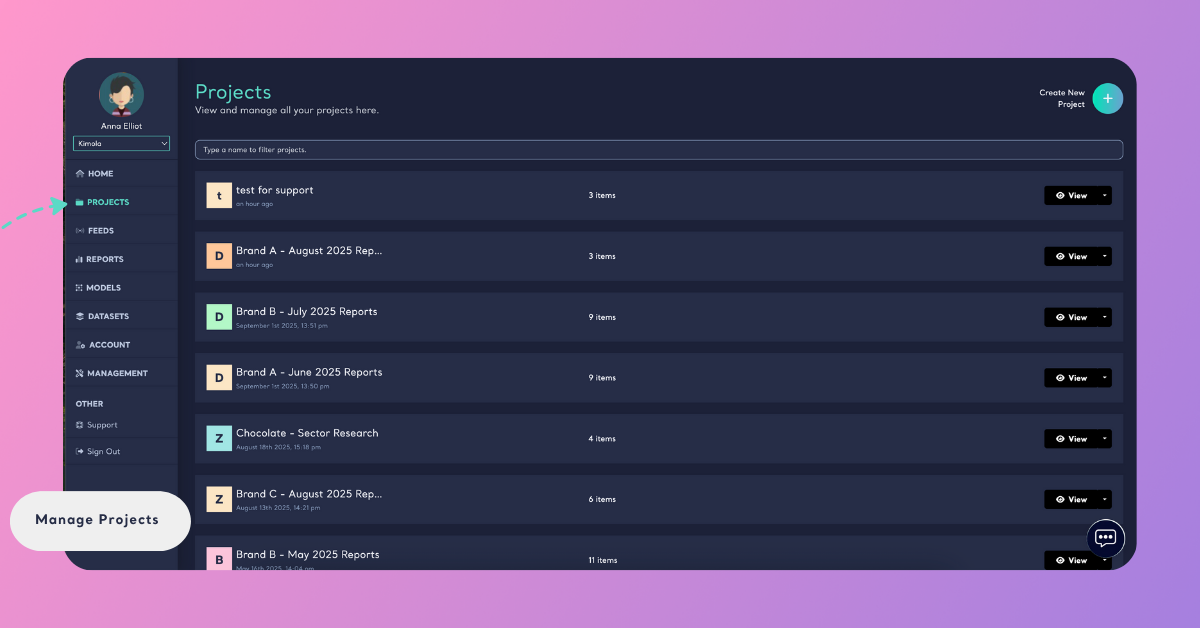
Sign in to your Kimola account, go to the left menu, and click Projects. From the Projects page, find the Project you want to manage.
View a Project
Click the Project name or View on the Projects page to see all feeds, reports, and models grouped under that Project.
Add or Remove Items
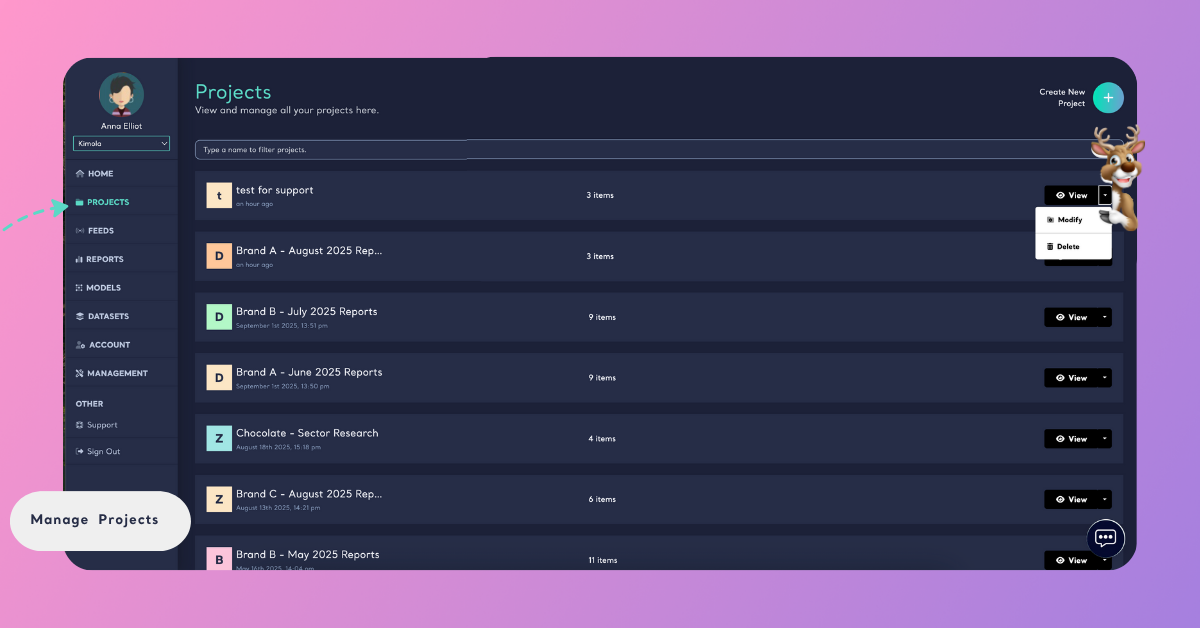
To update a Project, use Modify from the Projects page. From there, you can add or remove feeds, reports, or models.
For detailed steps, see:
Delete a Project
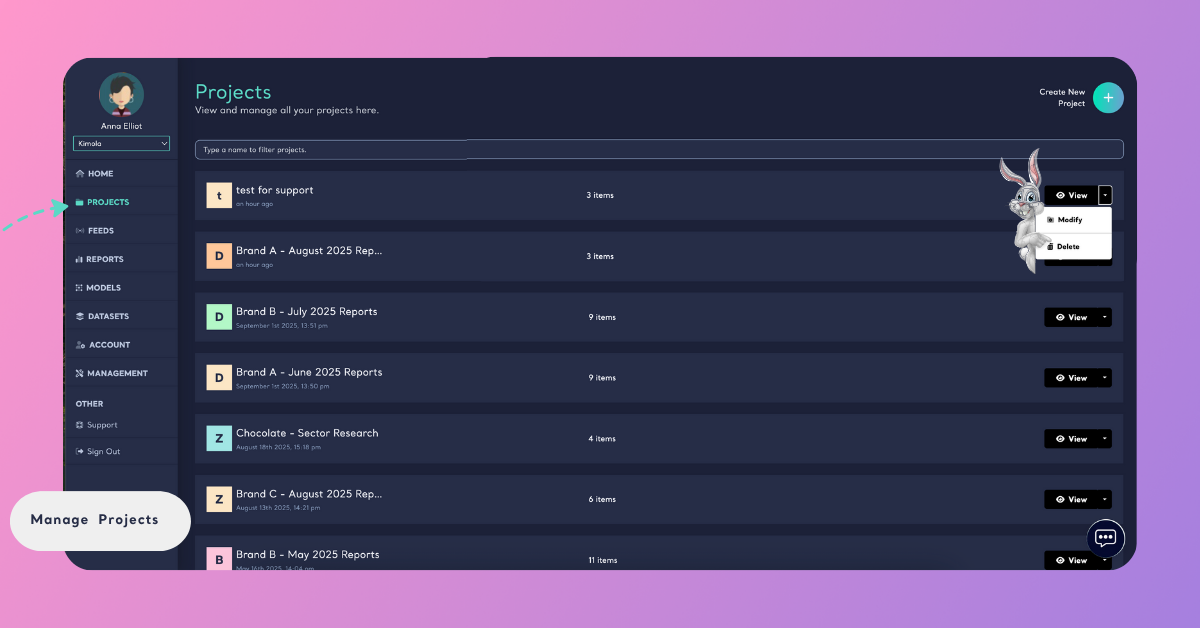
On the Projects page, click the down arrow next to View, select Delete, and confirm. The Project will be removed, but the feeds, reports, and models inside it will stay available in your account.
By managing Projects, you ensure your workspace stays organized and aligned with your research needs. Keeping feeds, reports, and models properly grouped makes it easier to handle multiple brands, campaigns, or topics without losing track.